Practice your swing with the help of 4D Motion's training progression biofeedback trainings!
On the Home screen, you can access the Mastery Tracks by pressing Personalised Training Programs.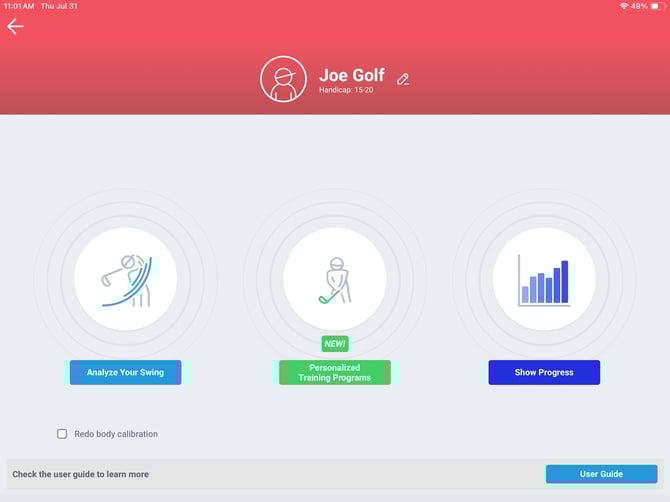
Streaks and Badges
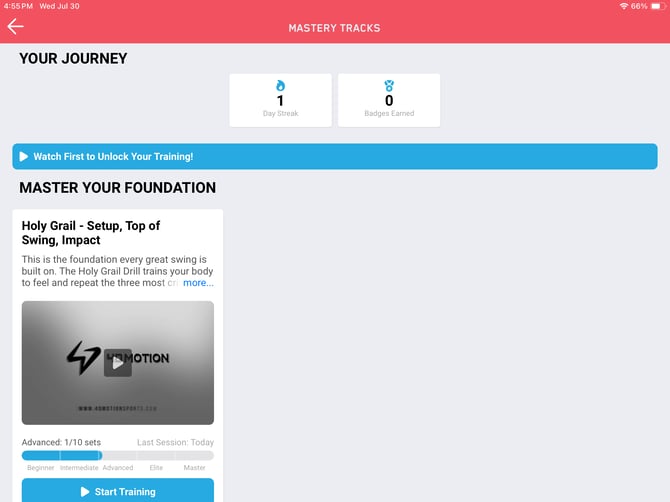

As you keep practicing, you can complete streaks and earn badges.
Streaks keep count of your continuous days of practice. If you skip a day, the counter returns to 0.
As you progress with your training, you'll earn badges.
You can earn badges for:
-
Streaks (3 days, 10 days, 50 days, 100 days, 250 days, 500 days)
-
Completing the Master level of a training.
- Badges cannot be lost or re-gained. Once a badge is earned, it remains in the badge library.
Levels
Your level depends on your handicap and swing history.
- Beginner: 100% range tolerance
- Intermediate: 75% range tolerance
- Advanced: 50% range tolerance
- Elite: 25% range tolerance
- Master: 10% range tolerance
Tip: If you need to raise or lower your range tolerance, you can edit your handicap in your profile.
- Go to the Home screen.
- Tap the pencil icon next to your name.
- Open the dropdown menu next to Handicap, and select your desired setting.
Default level based on handicap:
-
30 and higher: beginner
-
20 - 29: Intermediate
-
10 -19 - Advanced
-
5-9: Elite
-
5 or less including plus: Master
Training Progressions
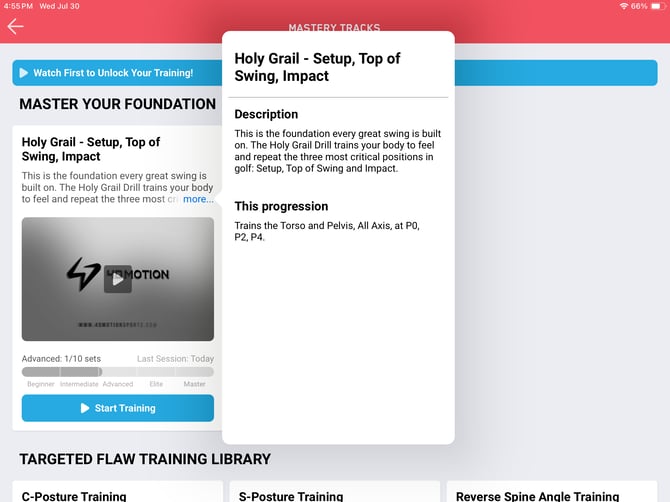
For each training, you'll find a short description of the flaw and a video tutorial. The video tutorials help you get a better understanding of how to move and improve your posture. The Start Training button begins the training and guides you through sensor setup.
Training progressions
Master your foundation
- Holy Grail - Setup, top of swing, impact
Targeted flaw training library
- C-Posture Training
- S-Posture Training
- Reverse Spine Angle Training
- Flat Shoulder Plane Training
- Early Extension Training
- Over the Top Training
- Transition Sequence Training
- Deceleration Sequence Training
Biofeedback screen
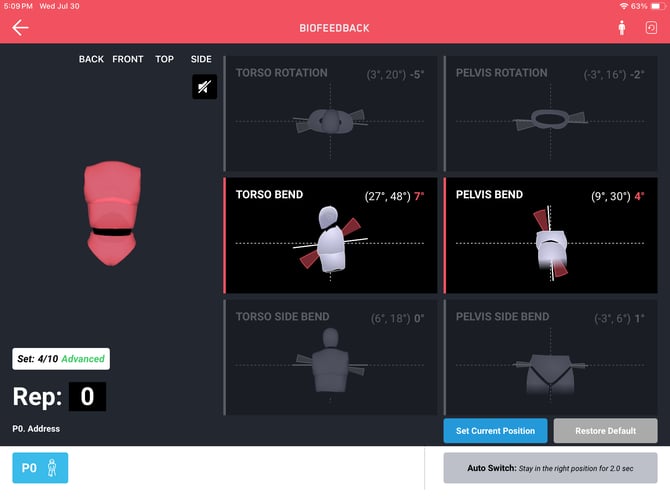
The trainings contain preselected positions ranging from 1 to 3. You'll hear an audio instruction for each position.
Next to the main avatar there's an audio button, which allows you to turn the audio off or repeat it.
There's a repetition counter underneath the main avatar.
Certain positions only focus on one or 2 aspects of torso and pelvis movement.
You can set your current position as default with the corresponding button, and restore it back to the original setting with the Restore Default button.
The person icon repeats the body calibration, and the sensor icon repeats the user pose.
Custom Biofeedback Training
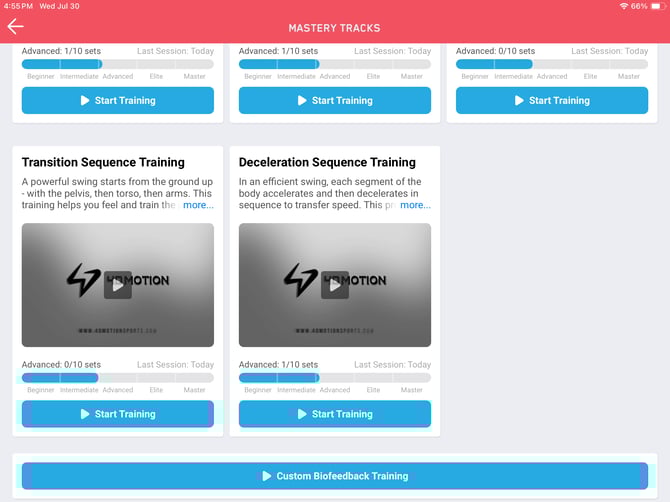
You can set up your custom biofeedback training at the bottom of the screen. This button takes you to the original Biofeedback Training screen.